Printable Halloween Coloring PDF: How to Print Pages the Easy Way
Printable Halloween coloring PDFs are downloadable pages you print at home for crayons, markers, and party tables — while the same scenes can also be colored online in seconds. The easiest path is this: color online free in the browser with no download, or print the page when you want paper — both work, and this guide shows you exactly how to print well.
This guide explains online vs. print, the exact print settings for crisp lines, the best paper for markers and crayons, and party-ready ideas. You will also find printable-friendly picks from the Halloween Is Here collection.
For the full seasonal picture, our Halloween coloring pages guide covers cute, cozy, and gently spooky scenes in one place.
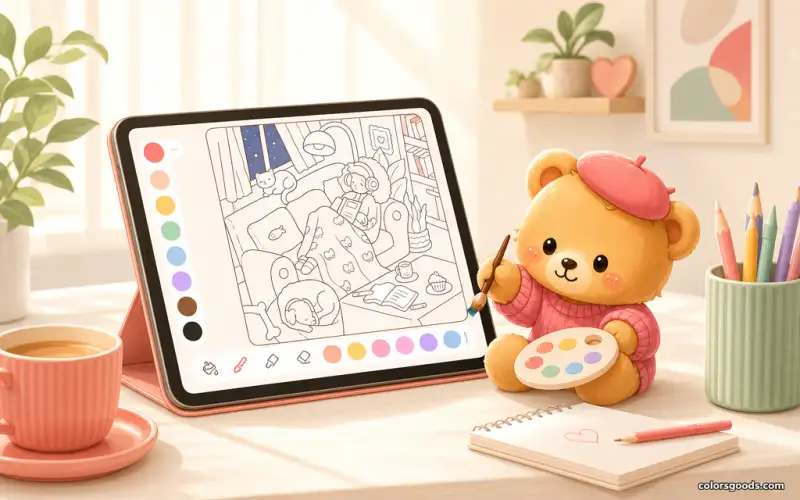
Online or print: which should you choose?
Both paths lead to the same pages — pick by moment, not by loyalty:
- Color online when you want instant fun — phone, tablet, or computer, free, no download, undo included.
- Print at home for parties, classrooms, and crayon lovers — paper pages double as decorations and gifts.
- Do both. Color a scene online first to test palettes, then print the winner for the fridge or the party wall.
- No special files needed. Any Halloween scene can be printed from the browser's print dialog in under a minute.
How to print: settings for crisp lines
Good prints come from three settings. Here is the exact recipe:
- Open the scene in your browser and press Ctrl+P (or Cmd+P on Mac) to open the print dialog.
- Choose landscape or portrait to match the scene — most Halloween pages look best in portrait.
- Set margins to minimal and enable background graphics off, so outlines stay sharp and ink is saved.
- Print at 100% scale rather than fit-to-page, so lines keep their intended boldness.
Best paper for markers, crayons, and parties
Paper choice matters more than printer choice for coloring results:
- Everyday copy paper works fine for crayons and colored pencils — cheap and party-friendly.
- Thicker paper (160g+) prevents marker bleed and feels like a real gift or decoration.
- Matte photo paper makes colors pop for finished pieces you want to display.
- One test print first. Print a single page, check the lines, then run the full batch for the party.
Printable-friendly picks from the Halloween Is Here collection
The Halloween Is Here collection has scenes with bold outlines that print beautifully. Start with these:
- The rainy window reading nook — a cozy window scene with clear zones, lovely printed large for crayons.
- The skeleton pumpkin garden — bold pumpkins that survive any printer and delight any party table.
- The ghost potion counter — playful bottles that look great with markers on thicker paper.
All of them are free to color online too, right in the browser, on any device.
FAQ
Are Halloween coloring PDFs free?
On ColorsGoods, yes — every Halloween scene can be colored online free with no download, and printing from the browser costs only your paper and ink.
How do I print a coloring page without downloading anything?
Open the scene in your browser, press Ctrl+P (or Cmd+P), set minimal margins and 100% scale, and print. No files, no sign-up.
What is the best paper for printing coloring pages?
Everyday copy paper for crayons, thicker 160g+ paper for markers, matte photo paper for display pieces. Always run one test print first.
Can I use printed pages for a Halloween party?
Absolutely. Print a stack of bold scenes like pumpkin gardens and ghost counters, add crayon cups per table, and tape finished pages to the wall as instant decoration.
Conclusion
Printable Halloween coloring PDFs give you the best of both worlds — instant online coloring when you want speed, and printed pages when you want crayons, parties, and fridge art. Because everything starts in the browser, you can begin in seconds either way.
Open the Halloween Is Here collection, try the rainy window reading nook, or explore the full Halloween coloring pages guide for more seasonal ideas.
Learn more about the project →
Colors Goods is researched, written, and reviewed by our small editorial team so every post stays clear, practical, and family-friendly.
Reviewed by Daniel Costa
Editorial contributor — app features and digital tools